Diktuoklė
Offline voice dictation for Windows — Lithuanian, Russian, English.
Hold Ctrl, speak — the text appears. On your own computer, free.
Full instructions: README_EN.md
Offline voice dictation for Windows — Lithuanian, Russian, English.
Hold Ctrl, speak — the text appears. On your own computer, free.
Full instructions: README_EN.md
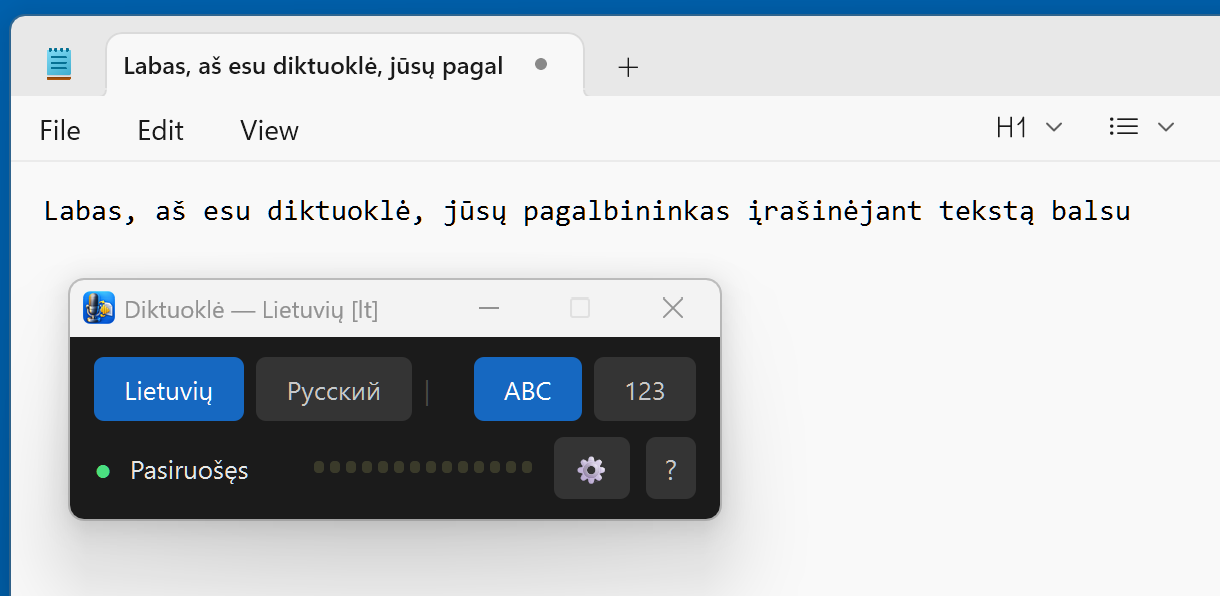
Word, a browser, a chat, accounting software — the text lands where the cursor blinks. Hold right Ctrl and speak, release — it is typed.
Speech recognition runs on your computer. Audio and text never leave it. No account, no subscription, no profanity filter.
Since 0.2 Lithuanian is recognised by LT_ausys — Kristijonas Jakubsonas's model "kmynas", trained on ~3,087 hours of Lithuanian speech. The author's commands: 17.9 % word errors (the older Paprika: 22.8 %); long dictation: 10.2 % (Paprika: 32.4 %).
Commas and capitals are placed automatically. In "123" mode spoken numbers become digits, inflected Lithuanian forms included: "penkių lentų po aštuoniolika milimetrų" → "5 lentų po 18 milimetrų".
Pick up to two languages when installing. While holding Ctrl, press → and keep talking in the other language without lifting your finger.
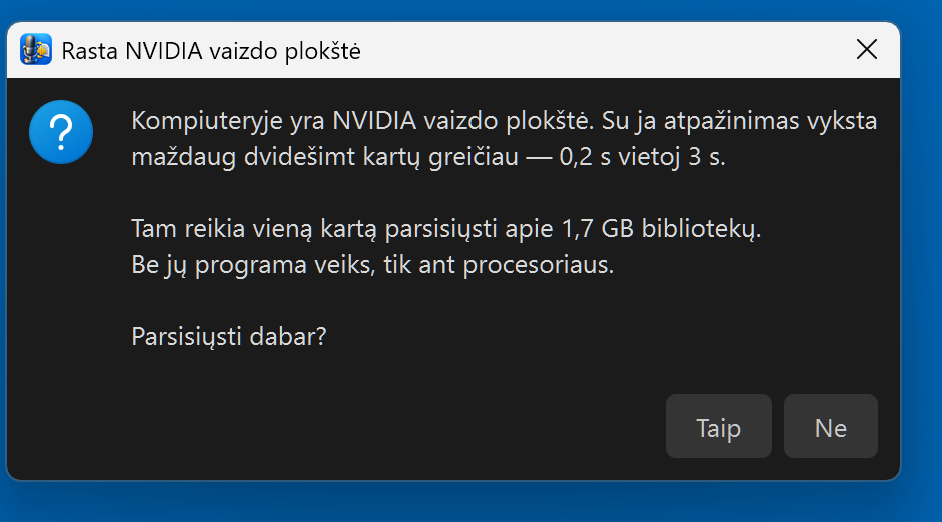
Lithuanian and Russian run on the CPU: about 0.05 s per command, a few seconds per minute of dictation. A graphics card only speeds up English.
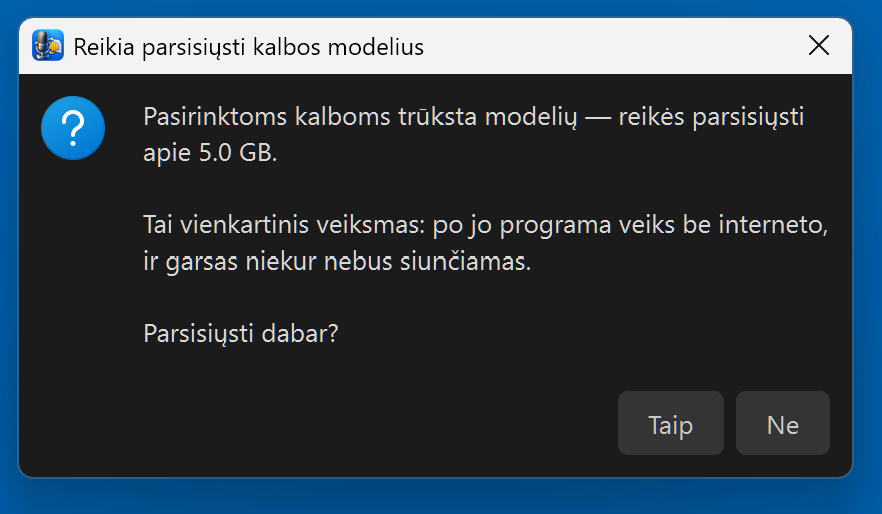
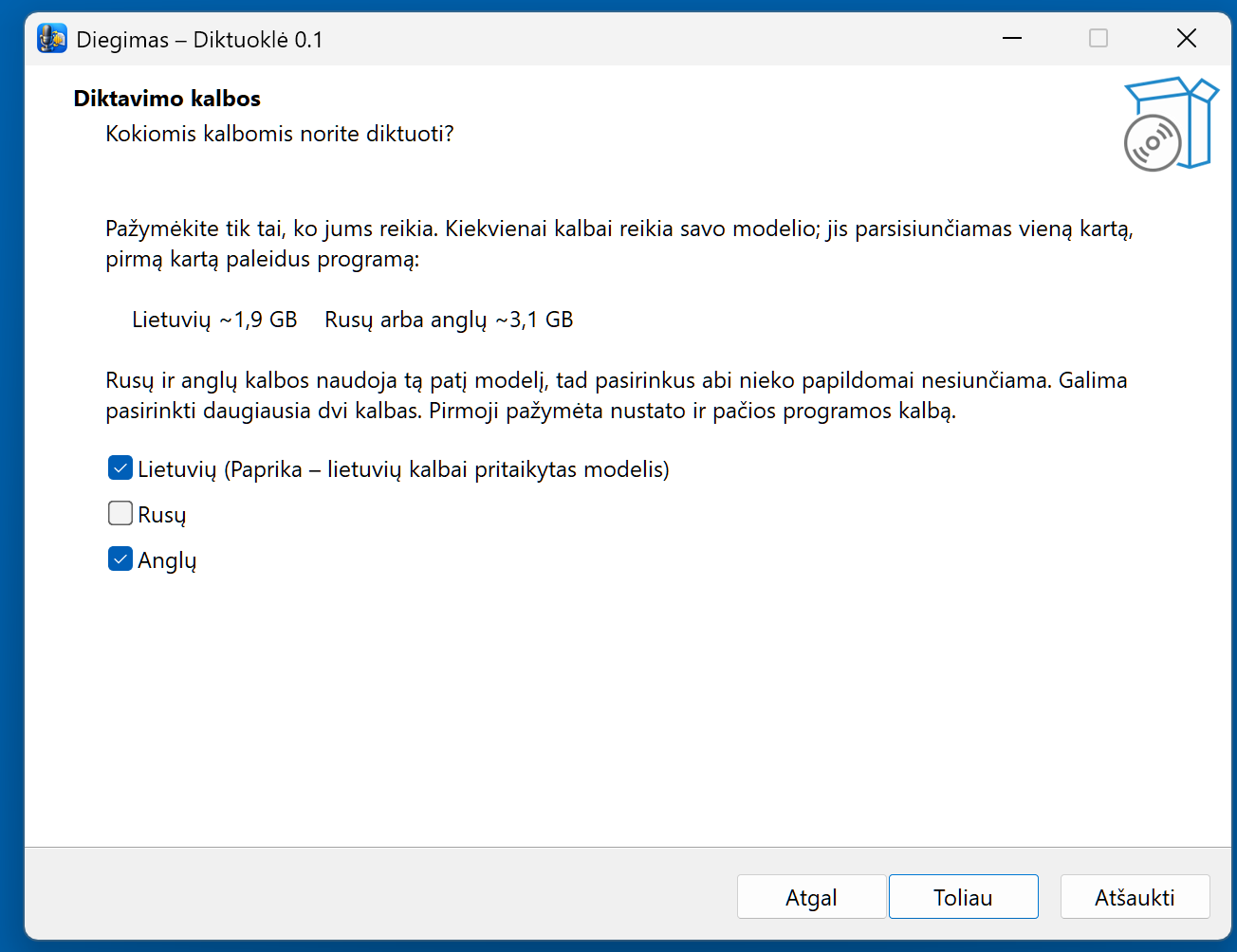
The installer is small (~90 MB). The models are downloaded on first launch, only for the languages you picked:
| Picked | Download |
|---|---|
| Lithuanian only | ~1 GB |
| Russian only | ~0.23 GB |
| English only | ~3.1 GB |
| Lithuanian + Russian | ~1.2 GB |
| Lithuanian + English | ~4.1 GB |
The program asks before downloading. The status shows "Downloading…" for one to ten minutes, then "Loading…", then "Ready". This happens once — after that no internet is needed. With winget, install with winget install RobertasTa.Diktuokle --interactive, otherwise the language page is skipped.
Windows will show a blue "Windows protected your PC" screen. The program has no paid code-signing certificate — it is not a virus. Click "More info" → "Run anyway". The file's sha256 is on the Release page next to the file.
The heart of this program is not ours. Lithuanian speech is recognised by LT_ausys — Kristijonas Jakubsonas's model kmynas v4 (NVIDIA Parakeet fine-tuned for Lithuanian on the LIEPA-3 corpus), which we converted to ONNX so it runs on the CPU. It places punctuation and capitals itself. Kristijonas published his work openly — that is the only reason this program could exist. We built the window, the keys, number handling and the installer around it.
Up to 0.2 his Paprika did this job. Compared on the same computer with the same audio: the author's commands — LT_ausys 17.9 % word errors, Paprika 22.8 %; long dictation — 10.2 % and 32.4 %; one command on the CPU — 0.05 s and 3 s. Russian is recognised by GigaAM v3 (SberDevices): 0.11 s per sentence on the CPU instead of 7.2 s. All tables and how it was measured (in Lithuanian).
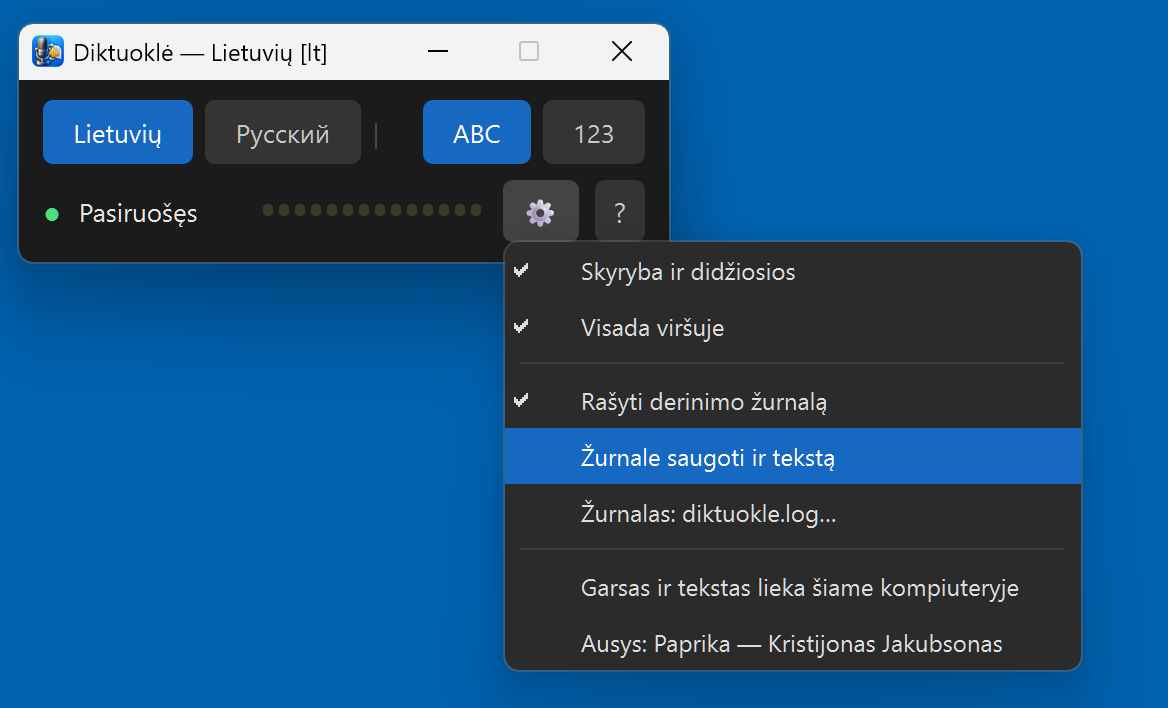
Audio and text never leave the computer. The internet is needed twice: to download the program, and on first launch for the models. Then you can unplug the cable. The program writes no log unless you switch it on — because it would contain the dictated text itself, and that is your letters, not our business.
Not a programmer? In the program click "?" → "No answer here? Ask an AI" — a chat opens with an assistant that has already received the author's briefing about this program: what to ask, what not to claim, what each fault looks like. Ask in your own words.
Or paste this into any AI chat: Read https://raw.githubusercontent.com/RobertasTa/diktuokle/main/AI_CONSULTANT_BRIEF.md and help me with Diktuokle.
Kristijonas Jakubsonas — for the ears (first Paprika, now kmynas) and for publishing them openly. It is his work, not ours.
Vilnius University and the LIEPA-3 team — for the corpus. SberDevices for GigaAM, istupakov for onnx-asr, NVIDIA for Parakeet, SYSTRAN for faster-whisper, OpenAI for Whisper, 1-800-BAD-CODE for the punctuation model that served until 0.2, jrsoftware for Inno Setup — which had no Lithuanian, so we wrote it ourselves.
Diktuoklė is the ears; Reginutė is the mouth. Together they make a computer that speaks Lithuanian without the internet.